Track spending
The simplest. Where your money goes, by day and by category, with no payday, balances or budget to fill in.
A money app with no server
WLLT-e logs your money by itself from notifications, your voice and receipts, then works out your daily allowance. All of it stays on your phone: no account, no server.
How it works
No typing it all in again. WLLT-e reads what you spend, sets aside what has to be paid, and shares the rest out over the days until payday.
Payments from your bank and wallet apps, and screenshots of transfers, are read on the phone the moment they come in. You just tick them off.
Hold the log button and say what you bought. The amount, category and account are picked out, and WLLT-e learns from what you log.
The total, the shop and how you paid are read from the photo. With PRO, every item on the receipt goes to its own category, and it still adds up.
Bills, installments and savings goals are taken off your income. What's left is spread evenly over the days until payday.
What's safe to spend today. Spend less today and tomorrow's grows; go over and tomorrow adjusts.
Inside
Pick your focus
Chosen the first time you open the app, and changed any time after. Only what's shown changes; everything you've logged stays.
The simplest. Where your money goes, by day and by category, with no payday, balances or budget to fill in.
Payday, a budget and what's safe to spend each day, with bills, goals, debts and budgeting as a couple.
All of it, plus your net worth, assets, a plant that grows with them and a financial health score.
Works offline
WLLT-e reads your bank's notifications on your own phone. It takes only the amount, the shop and the time, and keeps them on that same phone. Nothing is sent to WLLT-e, because there's no WLLT-e server to send it to.
Logging from bank and e-wallet notifications, manual entries, budgets, your daily allowance, reports and Kira.
The text reader is installed by Google Play alongside the app, so images never need uploading.
Two phones swap data directly over Wi-Fi Direct, encrypted, with no router or server.
What may need the internet: your phone's built-in speech recogniser (depending on the phone and language) and buying PRO through Google Play. If Google backup is on in your phone's settings, Android also keeps a copy in your own Google account.
 Privacy
No account, server, ads or trackers. Everything is worked out on your phone, and you hold the only copy.
Read the privacy policyStart right away. No email or password is ever kept.
There's no customer database to leak.
Your phone's own fingerprint, face or screen lock. WLLT-e keeps no PIN.
Receipts, screenshots, CSVs and bank statement PDFs are read on the phone, never uploaded.
Budgeting as a couple goes straight from phone to phone, encrypted with a key only the two of you hold.
Every transaction can be saved as CSV, and Android's built-in Google backup keeps a copy too.
Inside WLLT-e
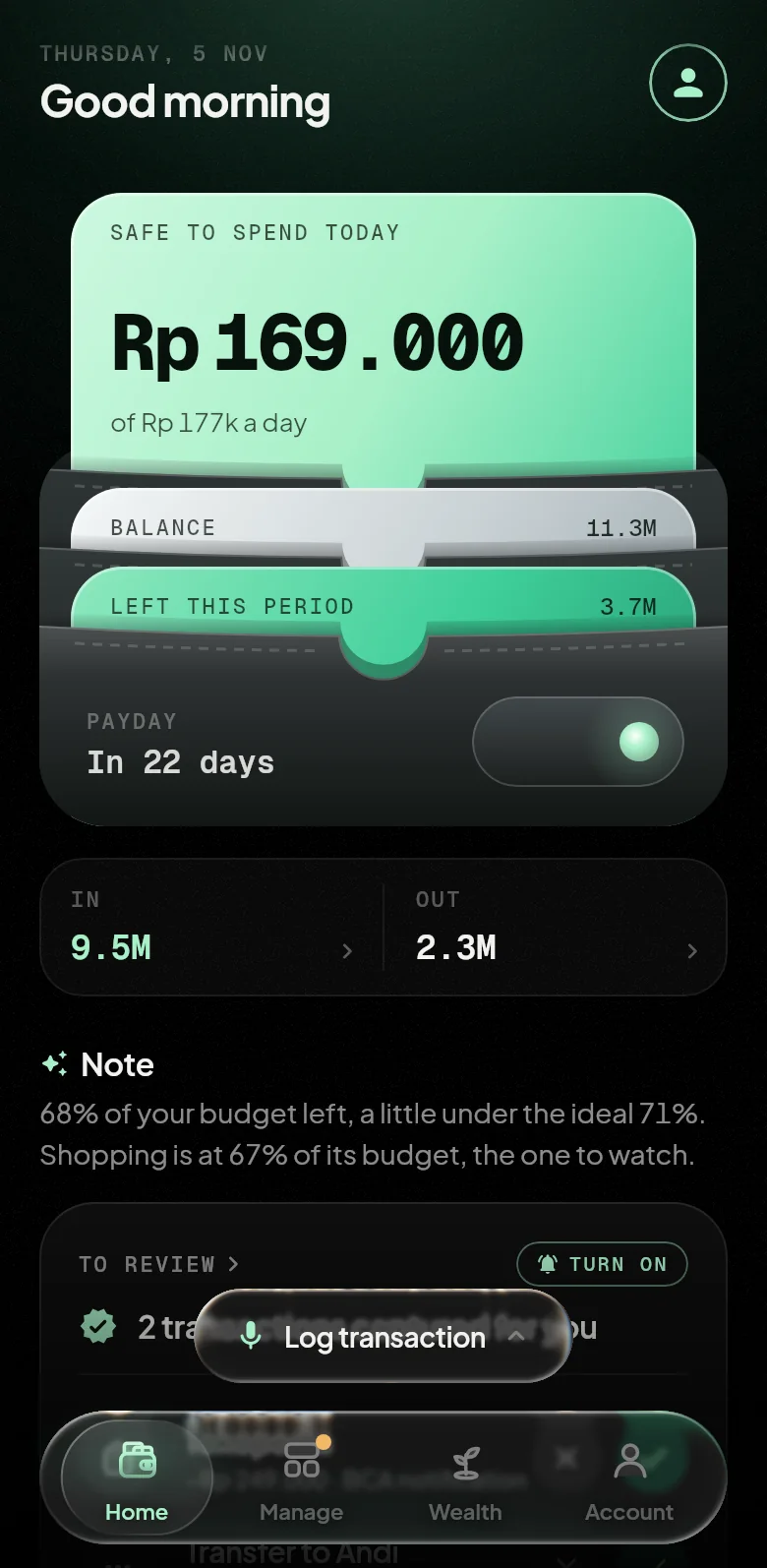
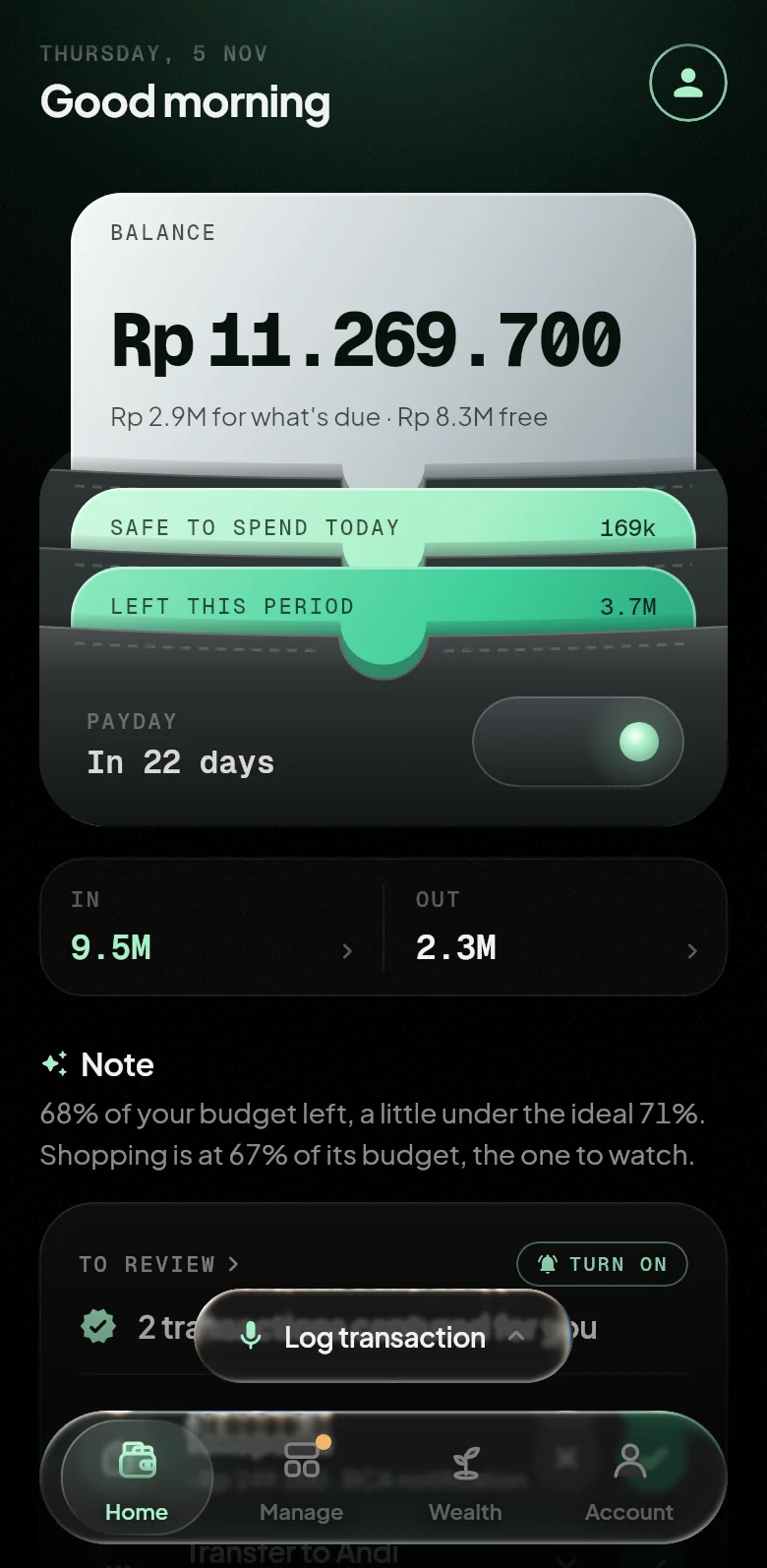
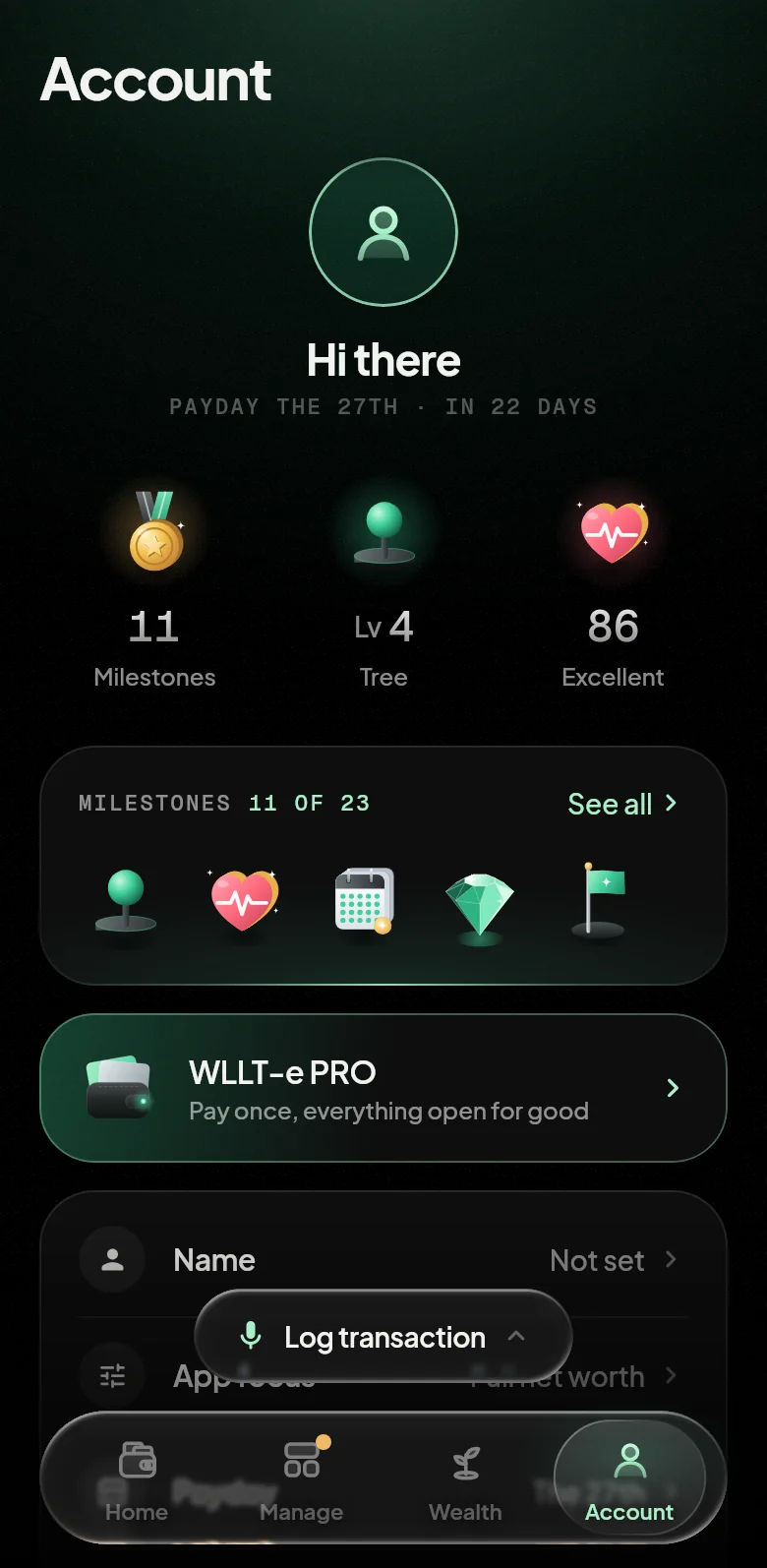
Dark, tidy and straight to the numbers that matter. Everything to check is on the home screen.
No subscription
Subscriptions make sense when there's a server to pay for every month. WLLT-e has none: everything is worked out on your phone. So there's no monthly cost for us to pass on to you.
With no servers, databases or paid AI behind it, WLLT-e has no reason to charge you more over time.
Logging, accounts, budgets, imports and backups won't be moved behind a paywall.
There's no subscription to run out, so features and data never lock on you. Everything stays on your phone and exports whenever you like.
Pricing
No monthly subscription. Pay once through Google Play, in your own currency, and it's yours for good on your Google account.
forever
once, no subscription. Google Play shows it in your own currency.
Still wondering? Write to halo@wllte.app.
Yes. Logging, accounts, budgets, importing and backups are free for good. PRO is paid once to lift every limit and add the extra features, with no subscription.
Not to us. WLLT-e has no server, and everything is worked out on the phone. The one exception is the phone's own speech recogniser, usually Google's, which may process what you say on its provider's servers. The details, ML Kit's text reader included, are in the privacy policy.
Yes. The app speaks English and Indonesian and works in your currency. Reading payment notifications is tuned for Indonesian banks and e-wallets such as BCA, Mandiri, GoPay and OVO; elsewhere you choose which apps it reads for each account, and voice, receipts, screenshots and imports work wherever you are.
Yes. In Account, under Data, tap Import transactions and pick a CSV from another money app or your bank: its columns are recognised by themselves, and transactions already there are skipped. A bank statement PDF can be imported with PRO.
The two phones connect directly over Wi-Fi Direct, with no router and no server. The first time, you check that the same six digits show on both screens; after that every sync is encrypted with a key only those two phones hold. Only the accounts and goals you choose are shared, plus your category budgets. Both phones need PRO.
No. Kira compares this period with the last using rules that run on the phone: what rose and why, what fell, what's a new habit, and what you could save. Nothing is sent anywhere.
Two ways. First, Android's own Google backup: when backup is on in your phone's settings, Android saves a copy of WLLT-e's data to your Google account about once a day, and restores it when you install WLLT-e on a new phone with the same account. There's nothing to set up in WLLT-e. Second, turn on CSV backup in Account to save a copy to a folder you choose, then import that file on the new phone.
No. WLLT-e only records and works things out. Assets can be logged to see your net worth, with no advice to buy or sell.